

Processes
Everything about the process: searching and reading, modelling drafts, releasing and publishing, placing it in the process hierarchy and managing the Process Space.
In Bpanda, a process always follows the same path: someone drafts it, others discuss it in a review, it is released and published, and only then does everyone read it. The topics in this area follow this path.
- Finding Processes — search, filter, set favourites, navigate the process landscape.
- Understanding Processes — read the process page, interpret the diagram, ask questions.
- Defining Roles for a Process — assign the Process Owner, Process Contributors and Process Participants of an individual process.
- Creating Process Drafts — use the Modeler to draft a new process version.
- Releasing and Publishing Processes — go through the release process, create and end reviews, set the validity.
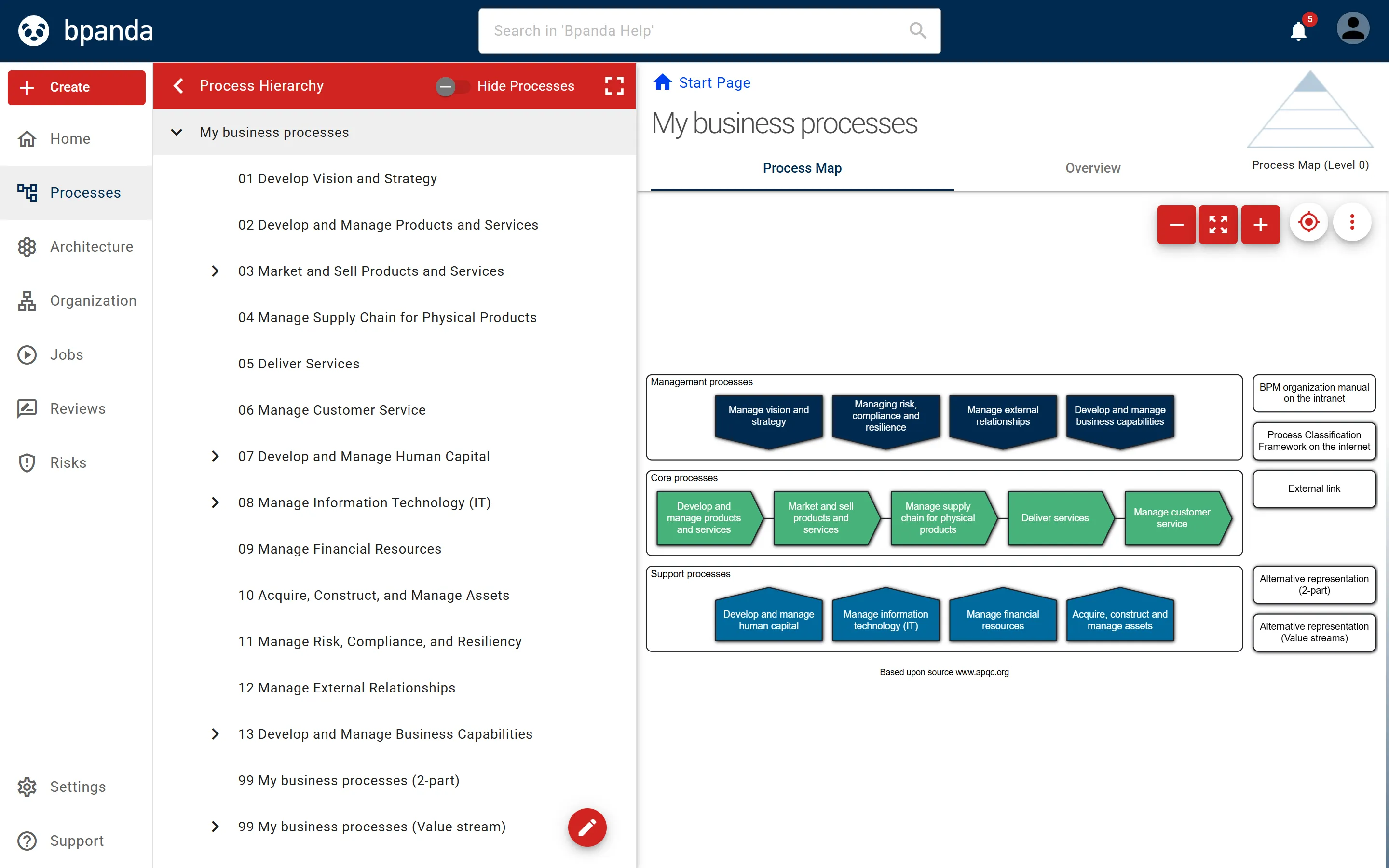
- Process Hierarchy — create process maps, build up the hierarchy and place processes within it.
- Managing Processes — use the dashboard, assign roles for several processes, show and hide, export.
In Bpanda’s main menu you will find Processes with the entries Process Hierarchy and Manage Processes.
See also: Process hierarchy and visible process versions, Status of a process