

Jobs
Jobs represent the essential elements of a valid process, allowing a series of activities to be carried out step by step according to the intended sequence.
A job translates a specific process into a series of activities that the assigned employees carry out step by step. A job is the reusable “routing slip” of a valid process, which can be repeated as often as you like.
A job presents the elements of a process that are essential from a workflow perspective in such a way that responsible executors can be assigned to the individual activities. The intended sequence can be monitored and improved where necessary. Comments on the work steps are particularly useful here, as process improvements can be derived from them.
Attachments to the process or to a work step can be viewed directly to obtain detailed information about the work step if required.
Cross-departmental collaboration can be mapped in the job, as can decisions in the process and process steps carried out in parallel by different people.
While a job is being processed, process steps that the person working on it needs but that are not currently mapped in the process can be added. Process steps can also be skipped if they do not apply to the current processing.
Jobs can therefore be used flexibly in day-to-day work. If you then discuss how the job was actually processed, you can see where the process can be improved.
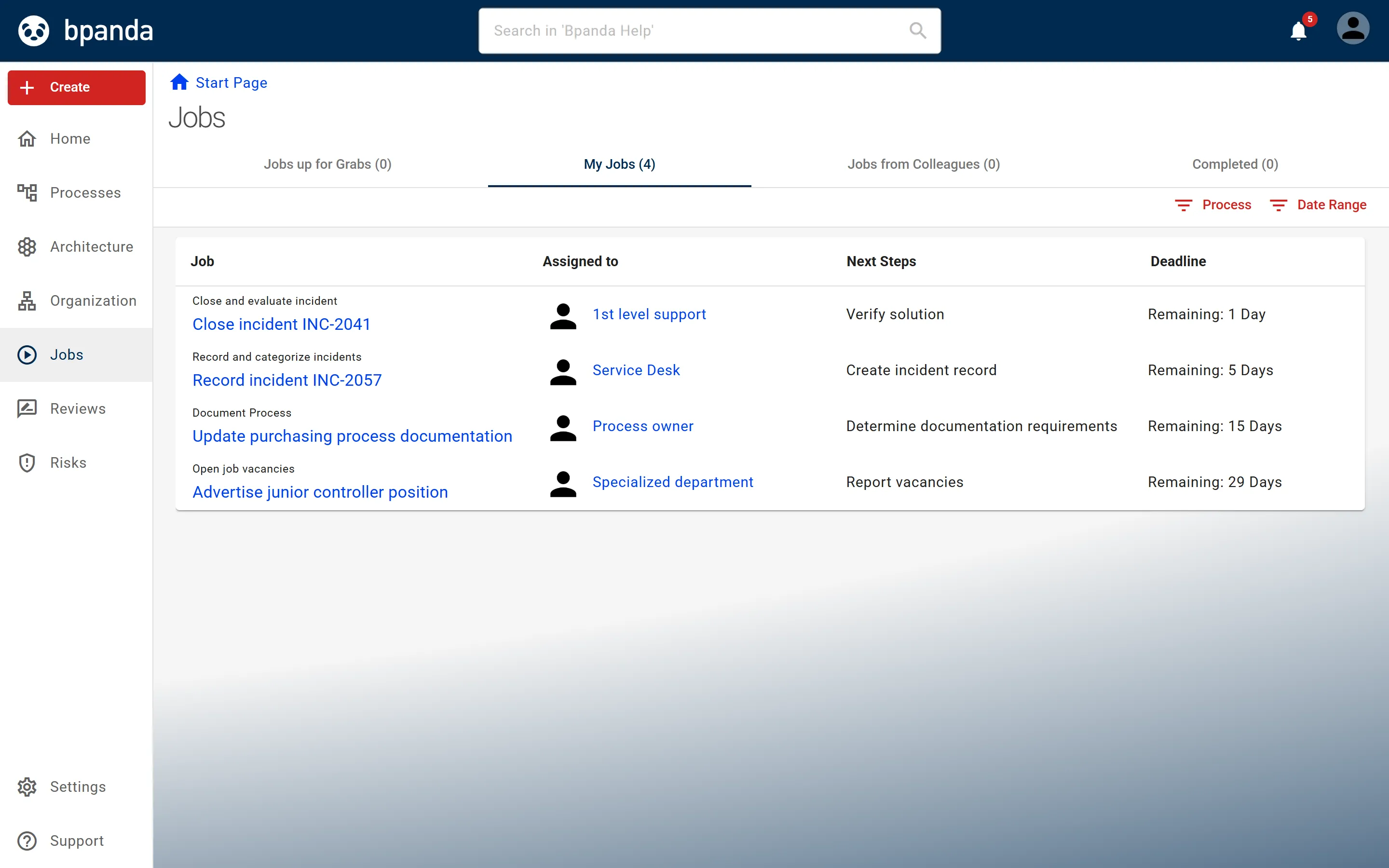
Bpanda gives you the following support for executing processes using jobs.
- Finding jobs — overview, tabs, filters.
- Creating a job — from a valid process, with a title and deadline.
- Taking on and executing a job — completing, skipping and adding steps.
- Assigning work steps — handing over and distributing responsibility.
If the Jobs feature is active in your Process Space and you have more than read rights, you can create a job on the process page with Create Job; the main menu then also contains the Jobs entry. For which processes are suitable for a job, see Creating a job.
For a published process that has jobs, the process page shows the Job Analysis tab: the jobs currently running and the Cycle Times of Completed Jobs. This shows you how the process runs in practice, and comments on skipped or additional work steps show where it can be improved.