

Taking On and Completing a Job
What is possible when taking over a job: executing steps, handing them over, cancelling them or inserting additional ones.
When executing a job, steps can be skipped and additional steps can be added. These changes to the job should always be commented on to support the improvement of the process.
What You Can Do When Taking Over a Job
You take over a job in order to execute one, several or all of its steps.
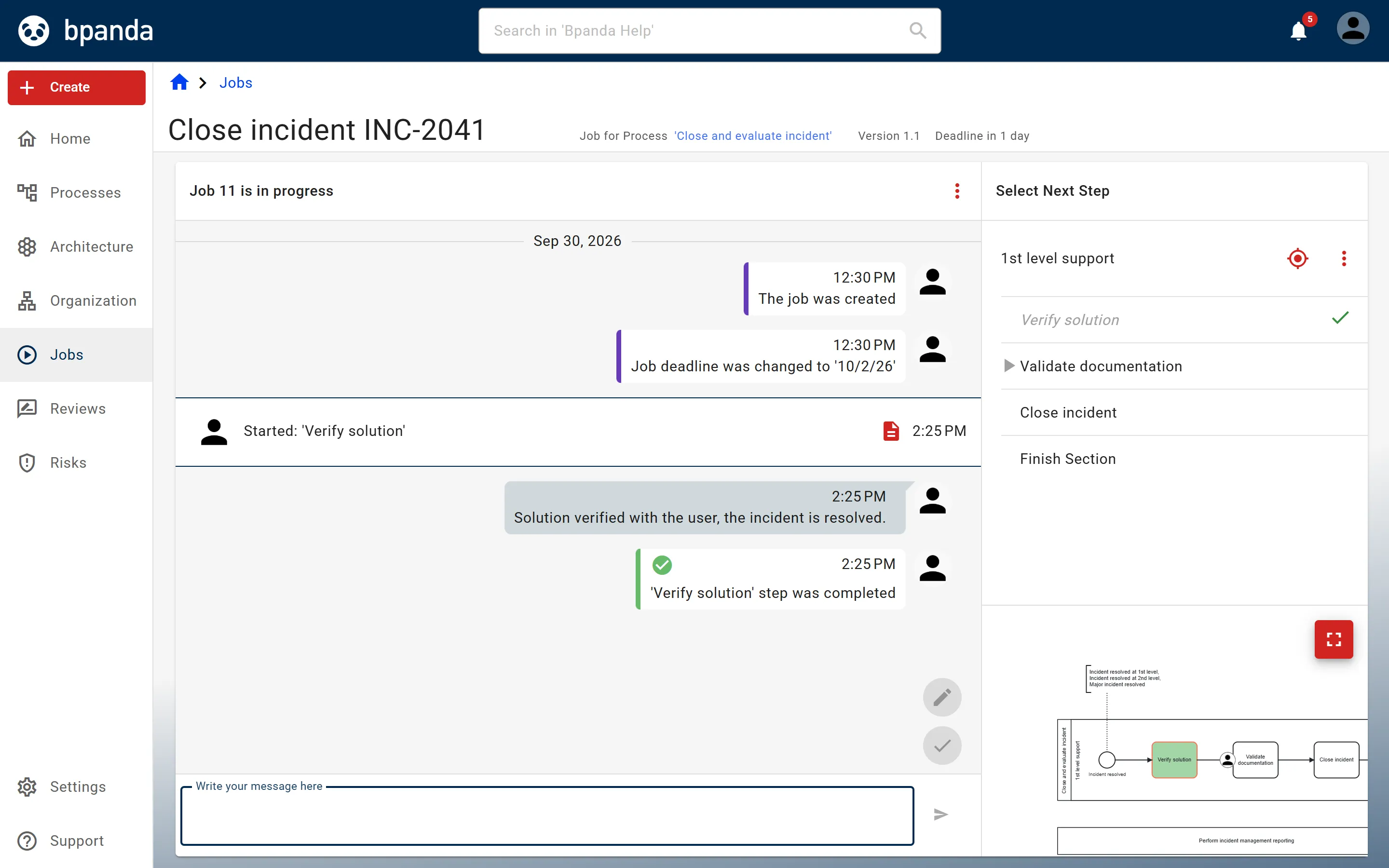
You start a step by selecting it in the job’s checklist and end it with a click on Close Step: the check box next to the step in the checklist or the check mark at the bottom of the job log. The last step of an exclusive or parallel section ends that section; the last step of a job completes the entire job.
The execution of the steps within a section does not necessarily have to follow the order in the process.
Completed steps are marked on the job page in the checklist for the job on the right and in its graphical representation.
The Four Actions
- Executing and Completing a Step — the standard case: take over, do it, mark it as done.
- Handing Over a Step — when the next step lies in a different area of responsibility (lane).
- Cancelling a Step — when it can be omitted due to certain circumstances.
- Adding an Additional Step — when a step becomes necessary that the process does not provide for.
If you cancel a step or add one, explain this with a message in the job log. This makes it possible to see later whether the process should be adjusted.
See also: Assigning Steps, Finding Jobs